

Registration and Verification at BangaWin Casino
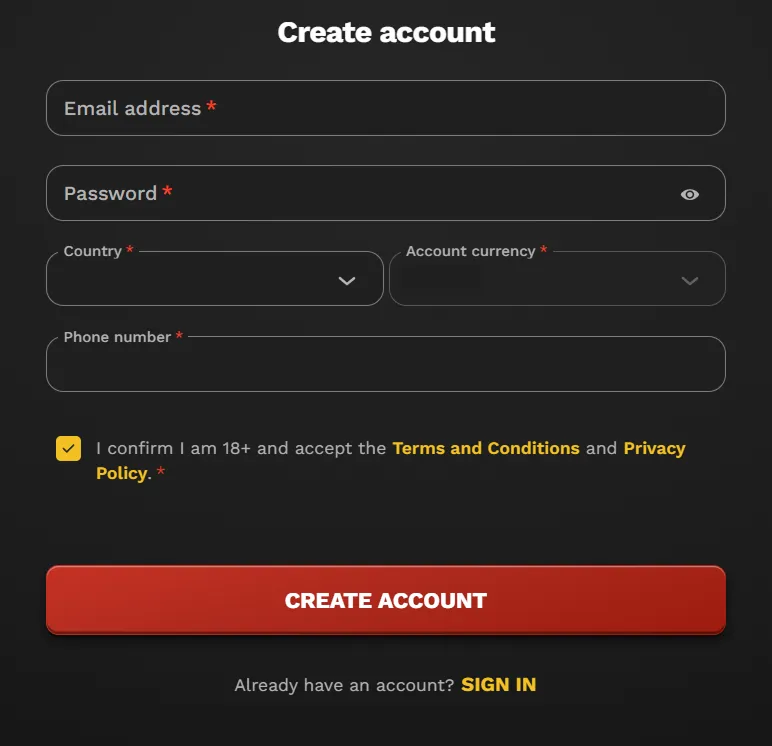
To register, you will need a valid email address, phone number, personal details and residential address. You also choose an account currency on the form. This cannot be changed after the profile is created, so check your selection before submitting.
Your details must be accurate and match any documents requested during verification. Registration is intended for users aged 18 or over. Social sign-in through Google, Apple or Facebook is not supported; use an email address and password.
Step-by-Step Registration
- Open the BangaWin Casino website and choose the account creation option.
- Enter your email address and phone number.
- Provide your first and last name, date of birth and gender.
- Enter your country, city, street address and postcode.
- Choose an account currency and create a password.
- Accept the terms and submit the form.
- Open the email from the service and follow the verification link, if requested.
Check your personal details before your first payment. An incorrect name or address may complicate later verification and withdrawals.
Sign-In and Password Recovery
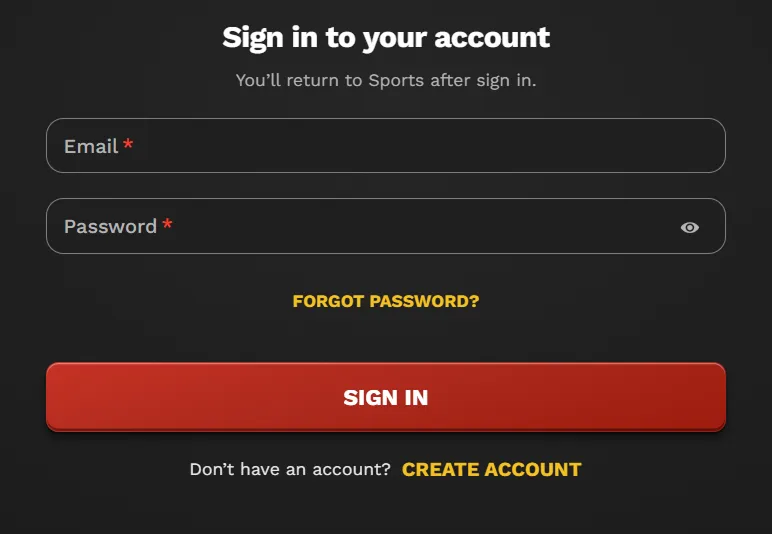
Sign in with your email address and password. If you have forgotten your password, use the recovery link on the sign-in page. Instructions will be sent to your registered email address; check your spam folder as well.
Never share your password or one-time codes. If you suspect someone else has accessed your account, change your password and contact support.
Identity Checks and KYC
The operator may request documents to verify your identity and address. The standard set includes:
- a passport, national ID card or driving licence;
- a utility bill or bank statement issued within the past three months;
- proof of payment method ownership, such as a card photo with the middle digits hidden or an e-wallet screenshot;
- a selfie with your ID if the operator requests an additional check.
Upload documents through your account. Use good lighting for photos and keep all text and document edges visible. Never send your CVV or post personal documents in public chats.
If a Document Is Rejected
- Check that the document has not expired.
- Make sure the details match your registration form.
- Take a new photo without glare or cropped edges.
- Ask customer support why the document was rejected.
- Upload the files again through the secure account area.
Choosing a Currency
Your account currency is fixed at registration and cannot be changed later. The main unit used for offers is EUR. Some payment services can convert USD or other currencies; the exchange rate and fees are set by the provider.
Security and Responsible Gambling
Use a unique password and only your own personal details. You can set funding limits, take a timeout or self-exclude. Increases to limits may take effect only after a cooling-off period; check the settings in your account.
Self-exclusion is available for one year or indefinitely. External support resources include GamCare, BeGambleAware and Gambling Therapy.